Instant Property Lines & POI's
Get a ready-to-send site map with property lines and nearby POIs in seconds.
The graphic agents already know
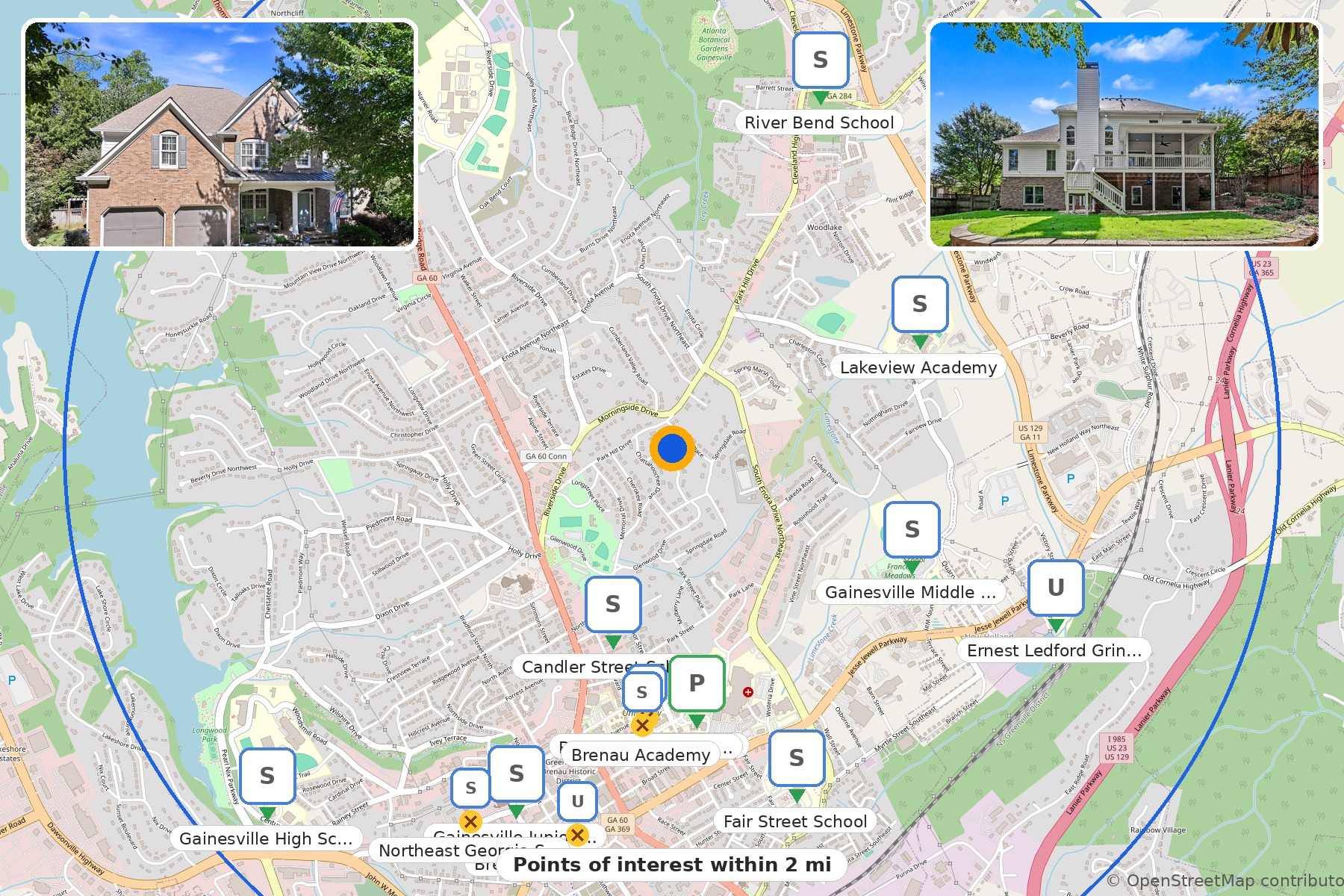
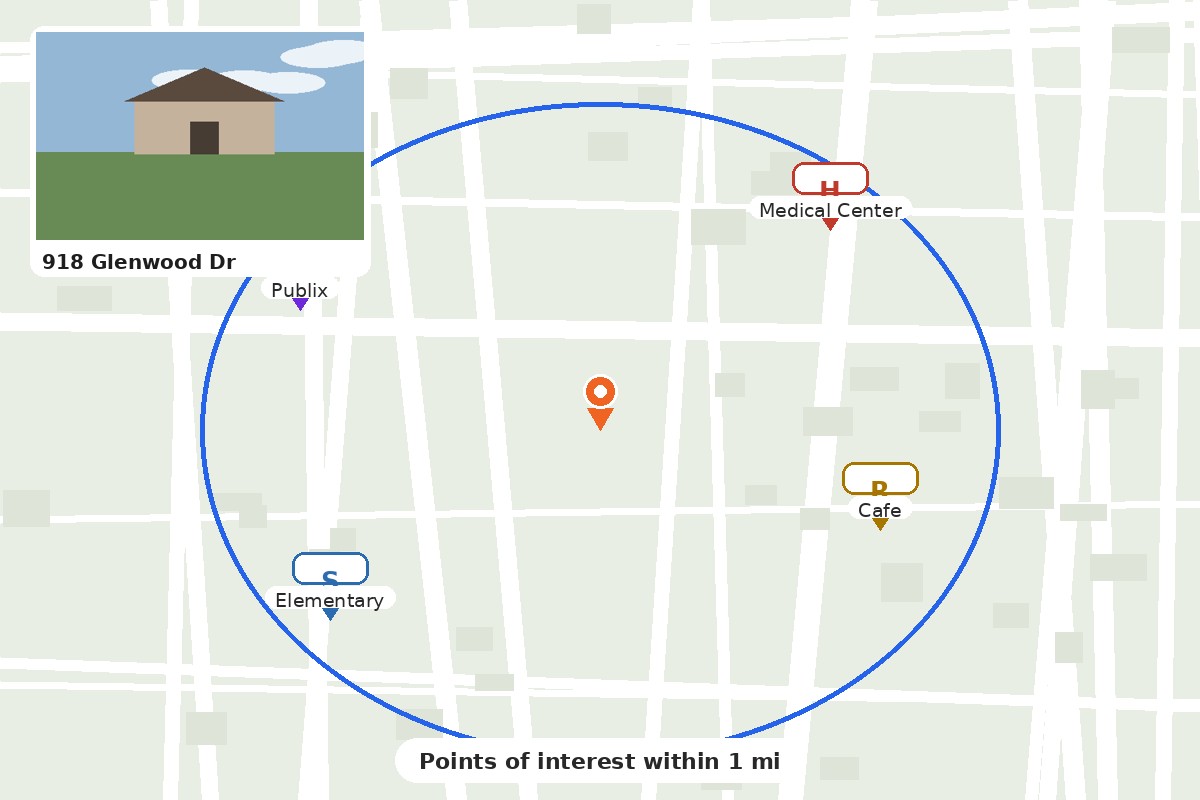
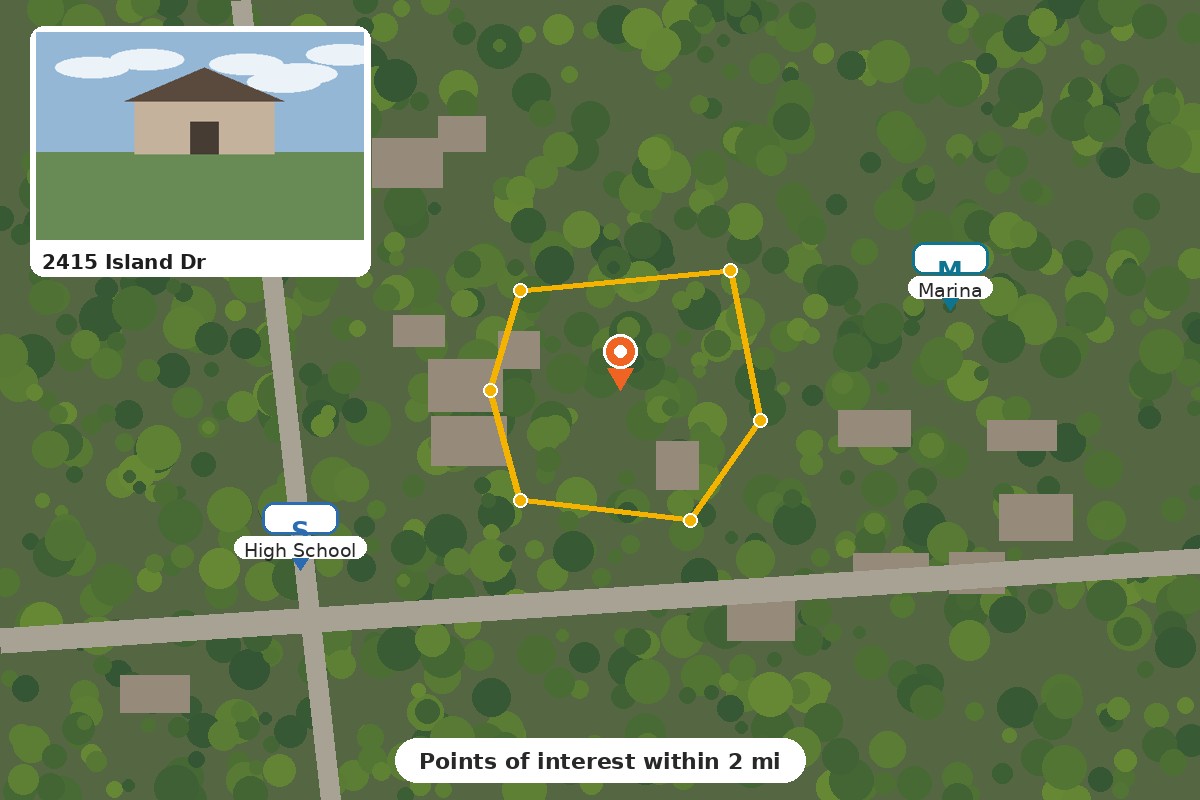
The Property Lines and PopUps format photographers have made by hand for a decade, built automatically.
How It Works
Add Address
Type the property address and pick it from the suggestions. We find the parcel, the lines and the acreage.
Add Photo
Drop in the front photo of the home. It lands in the popup card on the finished graphic, no Photoshop step.
Make Map
Your map builds itself: nearby places placed, clutter removed. Review it live, adjust anything, then download.
Questions
How do I take a place off the map?
Hover any marker and a red X appears. Click it and that place comes off the map. Changed your mind? Open Settings and restore it from the list, or use Undo remove. Every place the search found is listed in Settings, so nothing is ever lost.
What happens when markers overlap?
The map handles it for you. When two markers would collide, the more important place stays and the other is set aside, schools first, then hospitals, parks and marinas. Settings shows how many were set aside to avoid overlap, and you can bring any of them back with one click.
Can I change the acreage shown?
Yes. The acreage on the map comes from county records. If a survey says otherwise, click the acreage figure next to your photo and type the corrected number. Your figure is what prints on the download.
Can I turn the property lines off?
Yes. Open Settings and switch Property Lines off. Lines are drawn in the satellite view, so switch the map style to Satellite to see them.
How wide an area does the map cover?
You choose. Settings offers search radius options from a quarter mile up to five miles, and the map repopulates the moment you change it. Most listings land well at one to two miles.
Can I use the graphic in my listing?
Yes. Downloads are licensed for commercial use and are MLS ready. If your MLS or portal does not allow brand logos, download the non branded version instead: the same map with clean category badges in place of logos.